Start with the job the product must do, then narrow the field using documented facts.
Model, seller, included items, delivery, warranty and returns can change after publication.
We distinguish current catalog evidence from editorial judgment and leave unsupported claims out.
The screen must fit the whole system
A monitor is not an isolated purchase. Desk depth, viewing distance, graphics output, operating system scaling and available ports all influence whether the display will be comfortable and usable. Resolution and refresh rate should be checked against the computer or console that will drive them.
Model numbers protect against false comparisons
Closely named displays can differ in panel, ports, stand, curvature, refresh rate or included cables. The exact model in the current offer should be compared with the manufacturer's documentation and the device that will connect to it.
Ergonomics can outweigh a discount
A strong current price does not fix a stand that sits too high, a screen that is too wide for the desk or missing mounting support. Measure first and verify adjustment, VESA compatibility and connection placement before choosing by price.
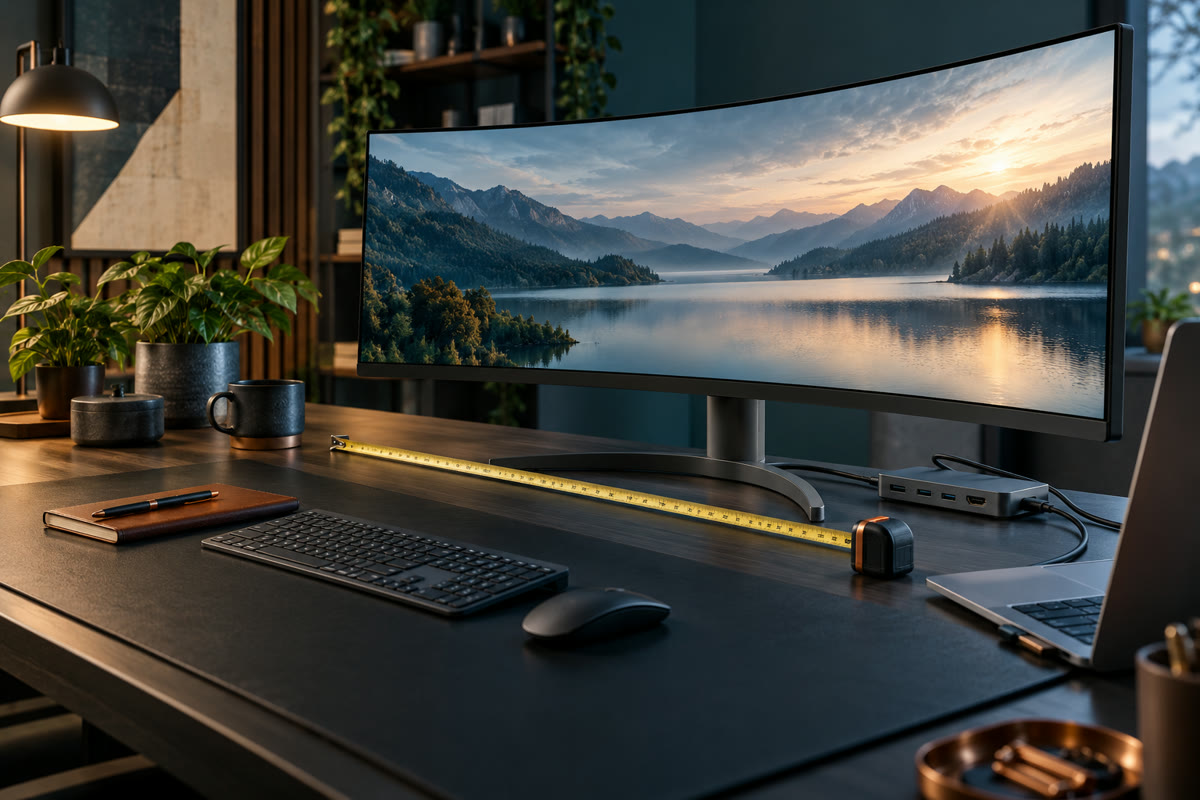
Measure the desk
Include stand depth, viewing distance and the space needed for speakers, a laptop or other displays.
Match resolution to the workload
More pixels can improve workspace and detail, but the computer and software must support the desired output.
Check refresh rate and connection
Confirm the required HDMI, DisplayPort or USB-C version and the refresh rate supported by both devices.
Review ergonomics
Compare stand adjustment, mounting compatibility and how the screen will sit at eye level.
Confirm the exact model
Similar product names can represent different panels, ports or bundles. Verify the model and included items on Amazon.
No product currently meets every rule for this guide. We leave the space empty instead of showing an unverified or stale offer.
← Back to MKT Store Magazine